
OK.ru draws millions of users worldwide. People connect with friends and family there every day. But sharing moments online comes with risks. Your data can end up in the wrong hands if you don’t act. Think of it like locking your front door. You wouldn’t leave it open, right? The same goes for your profile. Taking charge of privacy settings keeps your info safe while you enjoy the platform. It’s not hard. These steps help you balance fun chats with strong security.
Understanding OK.ru's Privacy Landscape
OK.ru started in Russia but now serves users everywhere. Over 40 million people log in monthly. That’s a huge crowd. Yet, privacy slips can happen fast. Platforms like this collect info to run ads and features. You need to know the basics to stay ahead.
Default Settings: The Initial Risk Assessment
New accounts on OK.ru often open wide to the public. Your full name shows up right away. So does your city and photo. Friends lists appear for anyone to see. This setup boosts connections. But it exposes you to strangers. Search for your name online, and boom—your profile pops up. Change these defaults first. It cuts down on unwanted views. One quick tweak hides your basics from outsiders. Why risk it? Start here to build a wall around your details.
Data Collection Policies Overview
OK.ru grabs data like your location and likes. It tracks device types and chat patterns too. This helps tailor feeds and show ads. But companies share some with partners. Check the privacy policy on their site. It’s updated often. Terms of service outline rules too. Read them yearly. In 2025, new EU rules pushed platforms to tighten data use. OK.ru follows suit. Know what they take so you control the flow. Less sharing means less worry.
Mastering Profile Visibility Controls
Your profile acts as your online ID card. Make it private to limit who peeks. Simple changes block most snoops. Follow these to lock it down.
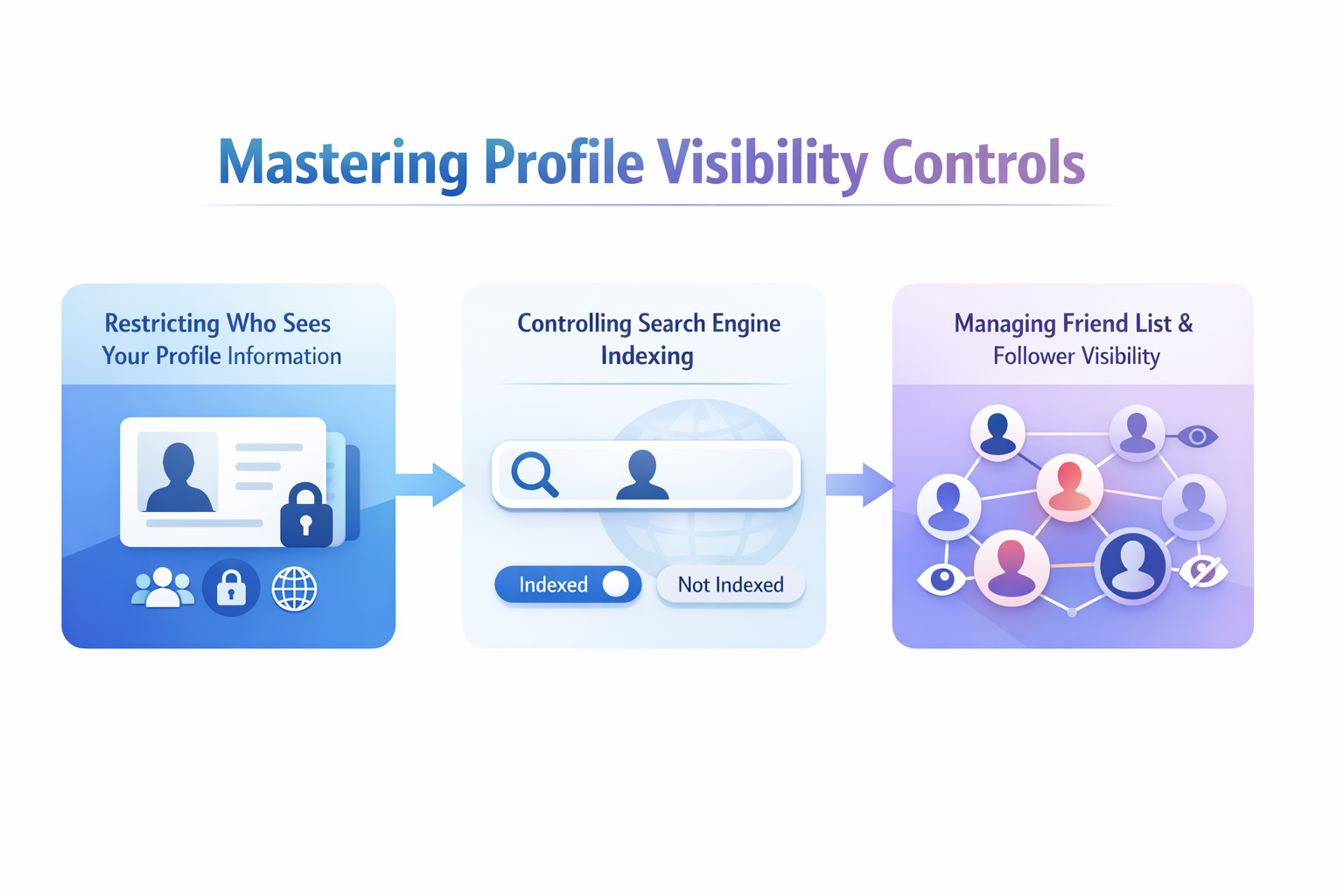
Restricting Who Sees Your Profile Information
Head to your settings menu on OK.ru. Look for the privacy tab. There, you pick who views details like your birthday or job. Set it to friends only. Or hide it from all. This stops random searches from revealing too much. For example, your hometown might lead to real-life stalks. Change it now. Test by logging out and searching yourself. If nothing shows, you’re good. Birthdates draw scammers. Keep them secret.
Controlling Search Engine Indexing
OK.ru links to big search tools like Google. Profiles can show in results. That’s bad for privacy seekers. Find the search settings page. Turn off the option that lets engines crawl your page. It takes one click. Now, outsiders can’t find you via Yandex or Bing. This slashes off-site risks. Imagine job hunts—old profiles haunt you. Block it to stay hidden. Users report fewer spam messages after this. It’s a game-changer for quiet browsing.
Managing Friend List and Follower Visibility
Friends lists tell stories. Who you know says a lot. Set yours to private in the visibility menu. Only you see it then. Followers work the same. On OK.ru, friends confirm links. Followers just watch posts. Hide both to avoid drama. Stalkers use lists to map connections. One user hid theirs and cut weird requests by half. Check settings monthly. Revoke old friends if needed. Clean lists mean safe circles.
Fortifying Your Content Sharing Settings
Posts and pics spread fast. Control who sees them to avoid regrets. Think before you share. These tools help you draw lines.
Limiting Post Visibility to Specific Audiences
Each update has an audience picker. Before you post, choose friends only. Or make it private for one group. Custom lists let you target family versus coworkers. This keeps work chats from mixing with fun ones. Spam bots love public posts. Lock them down. One tip: Review old public shares. Change them retroactively. Users who do this feel more in control. Why let everyone in? Pick your crowd wisely.
Reviewing and Controlling Photo Album Security
Photos hold memories. But they reveal faces and places. Go to your albums section. Set all to private by default. Old pics from trips? Update their views. Blurry tags or backgrounds can give away locations. One family hid vacation shots after a break-in scare. It saved stress. Scan uploads often. Delete risky ones. Private albums mean safe storage. Share links only with trusted folks. Your gallery stays yours.
Tagging Permissions and Notifications
Tags link you to others’ posts. Strangers might add you without asking. Enable tag reviews in privacy options. Posts wait for your okay before going live. This blocks fake ties. Turn on alerts for tags too. Check them quick. A wrong tag once led a user to unwanted drama. Now, they approve all. It’s like a filter for your name. Fewer surprises, more peace. Set it and forget the hassle.
Securing Connections and Interactions
Chats and comments build bonds. But they open doors to trouble. Tighten rules to filter out the bad.
Configuring Message and Call Settings
Direct messages flood in from anyone by default. Change that. Limit DMs to friends in the chat settings. Block calls from unknowns too. This stops phishing scams. Fake offers come via messages often. One user dodged a virus link this way. Set filters for keywords like “free money.” Keep your inbox clean. Safe talks mean real friends only.
Managing Comments and Interactions on Your Content
Comments sections turn wild fast. Trolls leave junk. Restrict them to friends in post settings. Or turn off comments altogether. This cuts hate and links. Malicious clicks lead to hacks. Review past interactions. Delete sketchy ones. Users who limit this report calmer feeds. Why invite chaos? Control who joins the chat.
Blocking and Reporting Malicious Users Effectively
Spot a creep? Block them quick. Go to their profile. Hit the block button. It hides them from your world. For big issues like threats, report too. Use the flag icon. Moderators check fast. In 2025, OK.ru banned thousands for harassment. Your report helps. Block lists fill up— that’s okay. Clean space beats fear. Act now to stay safe.
Advanced Security Measures Beyond Basic Settings
Basic tweaks help. But go deeper for ironclad protection. These extras block big threats.
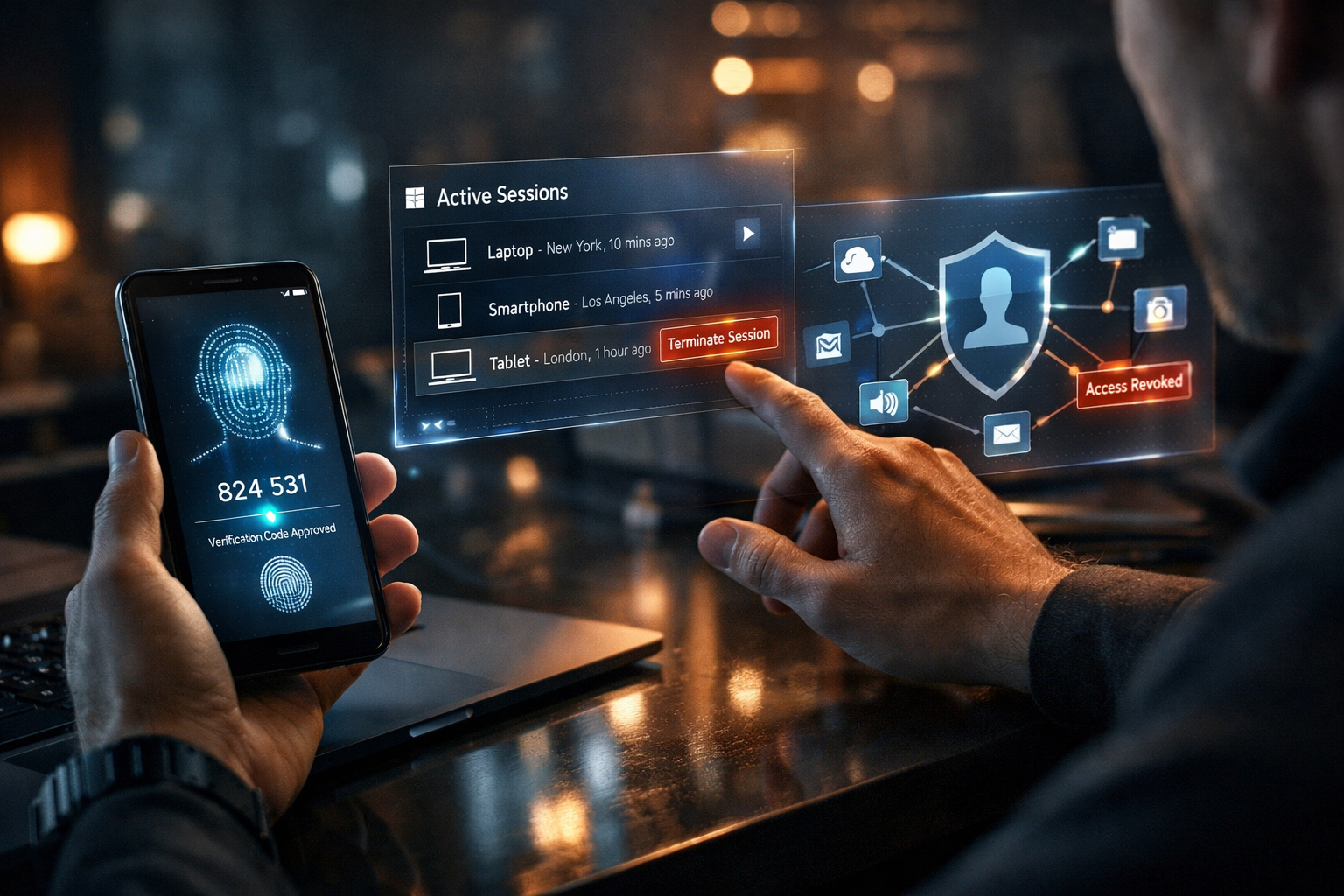
Implementing Two-Factor Authentication (2FA)
Hackers love weak logins. 2FA adds a shield. Link your phone or app in security settings. Now, codes verify you. It stops break-ins cold. Stats show 99% fewer takeovers with it. One breach hit millions last year. Don’t join them. Set up in minutes. Codes via text work fine. Extra step, huge win.
Monitoring Active Sessions and Logouts
Devices log in across town? Check sessions page. See all spots. Log out unknowns right there. Public Wi-Fi leaves trails. Review weekly. A forgotten cafe login once exposed a user. Now they check often. Force closes keep control. No surprises, just security.
Managing Third-Party Application Access
Games and quizzes beg for data. They read your profile. Audit apps in settings. Revoke old ones. Unused access risks leaks. One quiz stole contacts last year. Cut ties. Stick to core features. Safe play without the spy.
Data Awareness and Digital Footprint Management
Know your trail online. Small habits build big shields. Stay sharp.
Strategic Use of Pseudonyms or Nicknames
Real names tie to life. Try a nickname for fun accounts. Keep it vague. OK.ru allows it if not fake. Pros use this for side hobbies. It blurs lines. One blogger hid work ties this way. Check rules first. Less link to you, more freedom.
Periodic "Privacy Audits" Schedule
Settings shift. Platforms update quietly. Audit every three months. Walk through all tabs. Note changes. One user found a new default open last fall. Fixed it fast. Set reminders. Routine saves headaches. Stay ahead of the curve.
Sustaining a Safer OK.ru Experience
Privacy on OK.ru boils down to visibility controls, content locks, and security layers. Master your profile views. Tighten shares and chats. Add 2FA and audits. These six methods keep you safe. It’s ongoing work. But it pays off. Enjoy connections without fear. Dive into settings today. Your secure space awaits. What step will you take first?
FAQ
To make your OK.ru profile private, open Settings, go to Privacy, and set profile visibility to Friends only or No one. This immediately prevents strangers and search engines from viewing your personal details.
Yes, you can hide your friends list by opening Settings → Privacy and selecting the option to make your friends list visible only to you. This helps protect your connections from unwanted access.
Yes, OK.ru supports two-factor authentication. Enable it in Account Security by linking your phone number. You will receive a verification code during login, adding an extra layer of protection to your account.
Before posting, choose the audience and select Friends only or a custom group. You can also change visibility for older posts through privacy settings to control who can view your content.
To stop unwanted messages, block users from their profile and enable message filters in Settings. You can restrict messages and calls to friends only, reducing spam and unwanted contact.